
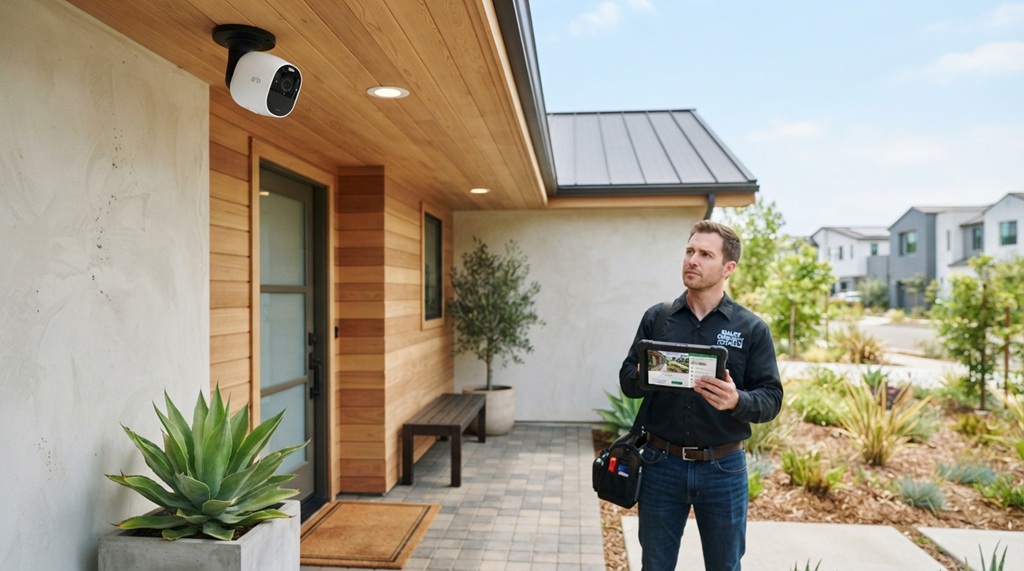
31 Aug How to Find Top Rated Home Security Cameras in CA
California homeowners face a unique set of challenges when choosing a security camera. From scorching desert heat to coastal fog and the constant threat of wildfires, the Golden State demands equipment that can handle more than just standard suburban conditions. You also have to think about privacy laws, Wi-Fi reliability, and whether your camera will actually deter the type of crime common in your specific neighborhood. If you are overwhelmed by the sheer number of options on the market, you are not alone. This guide breaks down exactly how to identify the top rated home security cameras ca residents actually rely on, focusing on local considerations, technical specs that matter, and practical installation advice. We will cut through the marketing noise to help you choose a system that provides real protection without wasting your money.
Key Takeaways
- California’s diverse climate and strict privacy laws (CCPA) require cameras with specific features like high heat tolerance and local storage options to ensure compliance and durability.
- Prioritize cameras with person/vehicle detection (not just motion sensors) to reduce false alerts, which are a major complaint in busy California neighborhoods.
- Local storage (microSD or NVR) is often better than cloud-only storage for Californians due to varying internet connectivity and privacy concerns regarding footage access.
- Verify whether a camera has a valid FCC ID and meets California Title 20 energy efficiency standards; many cheap imports fail these requirements.
- Professional monitoring is not always necessary; smart self-monitoring with geofencing and loud sirens is often sufficient for most CA homeowners.
Why “Top Rated” Is a Moving Target in California
If you search for the top rated home security cameras ca, you will see the same big brands repeated: Ring, Arlo, Google Nest, and Wyze. While those are solid starting points, the definition of “top rated” shifts based on where you live in California. A camera that performs flawlessly in San Diego’s mild climate might overheat in Palm Springs, and a battery-powered unit that works well in a San Francisco apartment may struggle to keep a charge in a sprawling Fresno backyard.
The real key is filtering national “best of” lists through a California-specific lens. You need to look beyond star ratings and focus on environmental resilience, local network compatibility, and legal compliance. A camera that fails to record because it shut down in 110-degree heat is useless, no matter how good the app looks. Similarly, a camera with excellent cloud storage is a liability if you are concerned about data privacy under the California Consumer Privacy Act (CCPA).
Critical Features to Prioritize Before Buying
Before you even look at specific models, you need to clarify your requirements. Here are the non-negotiable factors for California installation.
Heat and Weather Resistance (IP Ratings)
California is not just sunny; it is extreme. Inland areas like Sacramento and Riverside regularly see temperatures above 100°F. Your camera’s operating temperature range is vital. Look for an operating range of at least -4°F to 120°F. Check the IP (Ingress Protection) rating. For California, you want at least IP65 (dust-tight and protected against water jets). If you live near the coast, consider IP66 or IP67 to protect against salt spray corrosion, which eats cheaper metal housings alive.
Local vs. Cloud Storage
Californians are increasingly concerned about who has access to their video footage. While cloud storage is convenient, local storage (microSD card or a Network Video Recorder) keeps your footage physically on your property. This is crucial if you want to avoid potential data subpoenas or simply want to avoid monthly fees. Many top-tier cameras now offer “smart” local storage that still allows remote viewing via a peer-to-peer connection without uploading to a third-party server.
Smart Detection Features
California neighborhoods are busy. Leaves blowing, shadows shifting, and the neighbor’s cat crossing the lawn will trigger standard motion sensors all night long. You need AI-powered detection that distinguishes between a person, a vehicle, and an animal. This is not a luxury; it is a necessity to prevent notification fatigue. If your camera alerts you 40 times a day, you will eventually ignore the one alert that matters—the actual intruder.
Understanding California’s Privacy Laws (AB-642 & CCPA)
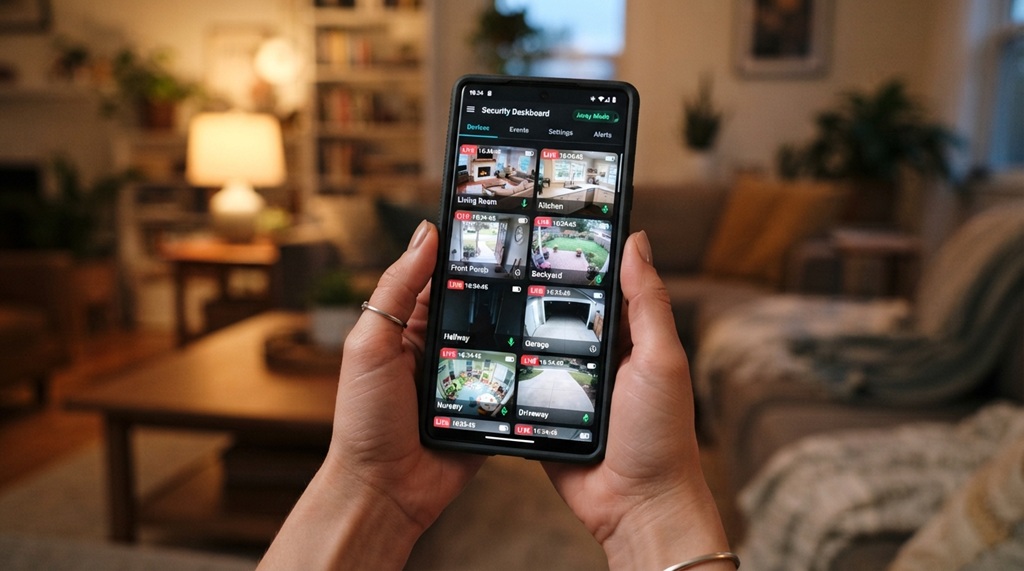
You can buy the best hardware in the world, but if you install it illegally, you create liability. California has specific rules that differ from the rest of the country.
Where You Can Point the Camera
You cannot point a camera at a neighbor’s window, into their backyard, or over a fence into a private area. This is a trespass on privacy, even if the camera is on your property. You also cannot record audio in areas where a person has a “reasonable expectation of privacy” without consent. Since California is a two-party consent state, recording conversations is legally gray. The safest approach is to disable audio recording or only use it in areas where you are actively participating in the conversation.
The Data Storage Question
The CCPA gives residents the right to know what data is collected and ask for it to be deleted. If you use a cloud-based camera, the manufacturer is the data controller. If you use local storage, you are the controller. For maximum legal safety, local storage is often preferred because it minimizes the data footprint held by third parties. Always check the manufacturer’s privacy policy to see if they sell data to advertisers; many budget brands do.
Battery, Wired, or Solar: Which Is Best for CA?
Your power source dictates where you can place the camera and how reliable it will be during an emergency (like a wildfire or earthquake).
- Wired (PoE): Power over Ethernet is the gold standard for reliability. It uses a single cable for power and data. This is best for covering long perimeters and large properties. It is immune to Wi-Fi dropouts if you connect it to a local NVR, meaning it records even if the internet goes down.
- Battery: Offers the easiest installation (no drilling for wires), but battery life drops significantly in cold weather (near the coast) and hot weather (inland). You will be climbing a ladder to recharge them every few months. They usually go into a “sleep” mode to save power, which delays the first second of recording (missing the action start).
- Solar: California is the perfect environment for solar panels on cameras, but only if they get direct sunlight. A solar panel on a north-facing eave will not produce enough power in winter. This is a great option for remote gates and sheds, but ensure the panel is large enough and not integrated into the camera body (external panels are far more efficient).
Wi-Fi vs. Cellular: Connectivity Matters
Many Californians assume their home Wi-Fi is reliable enough for security cameras. However, if you live in a rural area (like parts of Sonoma or Shasta counties), you may suffer from frequent power outages or ISP throttling. If your camera uploads to the cloud, and your internet goes out, you lose the “cloud” part of the camera—making it just a brick with a lens.
Consider cameras with a cellular backup feature. These use a tiny LTE modem inside the camera to upload footage if your home Wi-Fi fails. This is especially critical for wildfire monitoring or if you have a vacation home in places like Lake Tahoe or Joshua Tree.
Making the Final Decision: A Practical Checklist
To avoid buyer’s remorse, compile your requirements before looking at prices. Here is a checklist tailored for the California resident:
| Requirement | Why It Matters in CA | What to Look For |
|---|---|---|
| Temperature Range | Extreme heat in inland valleys can shut down electronics. | Operating range above 120°F. |
| Storage Method | Privacy concerns and varying internet reliability. | MicroSD card slot or NVR compatibility. |
| Detection Logic | High traffic neighborhoods require precision. | Person vs. Vehicle vs. Animal detection. |
| Power Source | Long distances and sunlight availability. | PoE or external solar panel options. |
| Privacy Controls | CCPA compliance and neighbor relations. | Ability to set privacy zones and disable audio. |
| Local Viewing | Access footage without internet dependency. | LAN access or RTSP streaming support. |
Common Mistakes to Avoid
Over the years of advising homeowners, we have observed a few recurring pitfalls that are remarkably easy to avoid with just a bit of foresight. Chief among these missteps is failing to account for network bandwidth; before committing to a system, it is crucial to consider data IP cameras use on your home network to ensure your connection remains fast, stable, and secure.
The “Field of View” Fallacy
Many buyers choose a camera because it advertises a 160-degree field of view. While wide is good, it often results in a “fisheye” effect where faces are too distorted to identify. A better metric is focal length or the ability to zoom digitally without massive quality loss. Look for cameras with a 6mm to 12mm lens option for narrow driveways, or a varifocal lens that lets you adjust the zoom remotely.
Ignoring the Upload Speed
If you insist on cloud storage, check your upload bandwidth. A standard 4K camera requires about 8 Mbps upload speed. If your plan only offers 10 Mbps upload and you have three cameras, you will choke your home network and drop frames. Always calculate your total bandwidth needs (upload speed divided by number of cameras) before buying high-resolution wireless models.
Assuming “Out of the Box” Security
Never assume the camera is secure by default. One of the biggest risks is a camera that broadcasts an open Wi-Fi network or uses a default username and password. Change the admin password immediately and enable two-factor authentication (2FA). If you are buying a budget brand, check if they support WPA3 encryption. If they only support WPA2, your footage could be intercepted by a tech-savvy neighbor.
Frequently Asked Questions
Do I need a permit to install security cameras in California?
No, you do not need a permit to install cameras on your own property. However, you must comply with local noise ordinances if you install a siren, and you must post signs if you are recording in common areas if you are a landlord. For renters, you may need written permission from the landlord before drilling or installing permanent fixtures.
Can I use my security camera footage as evidence in court?
Yes, but the evidence can be suppressed if the camera was installed in violation of privacy laws. A camera pointing at a neighbor’s window that captures illegal activity may be deemed inadmissible if it was installed to spy. Furthermore, you must produce the original memory card or hard drive; screenshots are often challenged as edited. Do not alter the file timestamps.
Are wireless security cameras safe from hackers in California?
No device is 100% safe. However, you can minimize risk by using a separate “guest” Wi-Fi network for your cameras. This isolates the cameras from your personal computers and phones. Additionally, avoid cameras that rely on Peer-to-Peer (P2P) cloud protocols that bypass your router’s firewall. Stick with established brands that offer end-to-end encryption.
What is the best resolution for a security camera in California?
While 4K sounds impressive, it consumes massive amounts of bandwidth and storage. For most California homes, 2K (2560×1440) is the sweet spot. It allows you to clearly read a license plate at 30 feet, which is far more detail than most cloud plans can efficiently encode. 4K is only necessary if you have a very large property and need to cover wide-open spaces.
Does Ring or Arlo work better in the California heat?
Both work, but they fail differently. Ring’s standard battery cameras tend to throttle recording speed when the internal temperature exceeds 113°F to prevent damage. Arlo’s performance drops in high heat as well, but their wired models have a higher tolerance. If you live in the Central Valley, look at the “Pro” versions of these brands, which have better heat management and larger heat sinks.
Conclusion
Finding the top rated home security cameras ca requires shifting your focus from trendy features to practical resilience. The best camera for your Los Angeles bungalow is not the same as the best camera for a ranch in Bakersfield. Prioritize thermal tolerance, smart detection, and local storage over flashy add-ons you will never use. Remember to respect your neighbors’ privacy and adhere to CCPA guidelines to keep yourself legally protected. Start by establishing your power source and storage preference, then compare specific models that meet the California climate checklist. Do not rush the installation; take the time to test the camera’s field of view and detection zones before screwing it permanently into the wall. A well-researched setup will give you peace of mind for years to come.
No Comments